Lottery POS Compatibility and Pricebook Guide
A practical guide to POS integration, named-system compatibility, and lottery pricebook workflows for retailers.
Lottery POS integration can reduce duplicate entry, but every store's setup is different. Named POS compatibility, automatic lottery pricebook updates, and real-time data flows should be verified before a retailer relies on them in daily operations.
LottoReco uses an API-first approach and supports integration planning where the required data sources are available. This page explains the questions operators should ask before approving a POS or pricebook workflow.
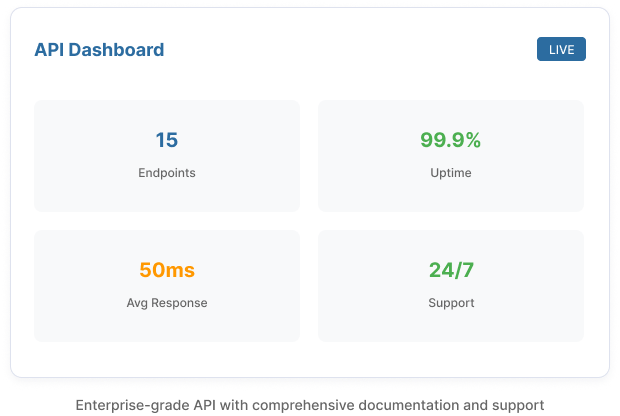
What to Verify Before Claiming POS or Pricebook Support
Data Source
Confirm whether the store can provide POS reports, lottery retailer portal reports, scanner data, API access, files, or another reliable data source.
Named POS Support
Systems such as NCR Radiant, NRS, Gilbarco, Verifone, and others should be discussed in terms of the exact data path supported for that retailer.
Pricebook Workflow
Lottery pricebook updates may involve POS, back-office, state lottery, or internal store data. Confirm what is automatic, what is reviewed, and what stays manual.
Real-Time Expectations
Use real-time language only where supported by the POS, report, data source, or integration being used in that deployment.
How LottoReco Keeps Integration Claims Accurate
LottoReco should verify each retailer's setup before publishing named POS or automatic pricebook claims. That keeps the implementation practical and avoids promising workflows the store cannot use yet.
Use Generic Language Until Verified
- POS-integrated lottery software
- API-first lottery workflows
- Supported POS and back-office data
- Pricebook planning and compatibility review
Use Specific Claims After Verification
- Named POS system support
- Automatic lottery pricebook updates
- Real-time data sync
- Specific import/export workflow details